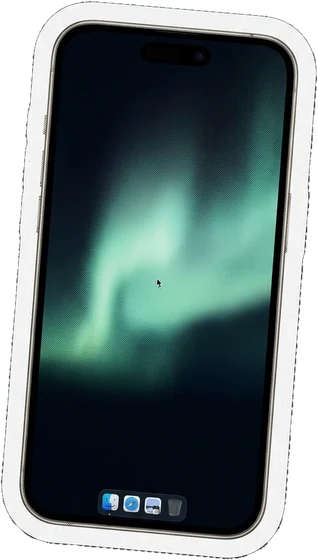
YourMacin your pocket

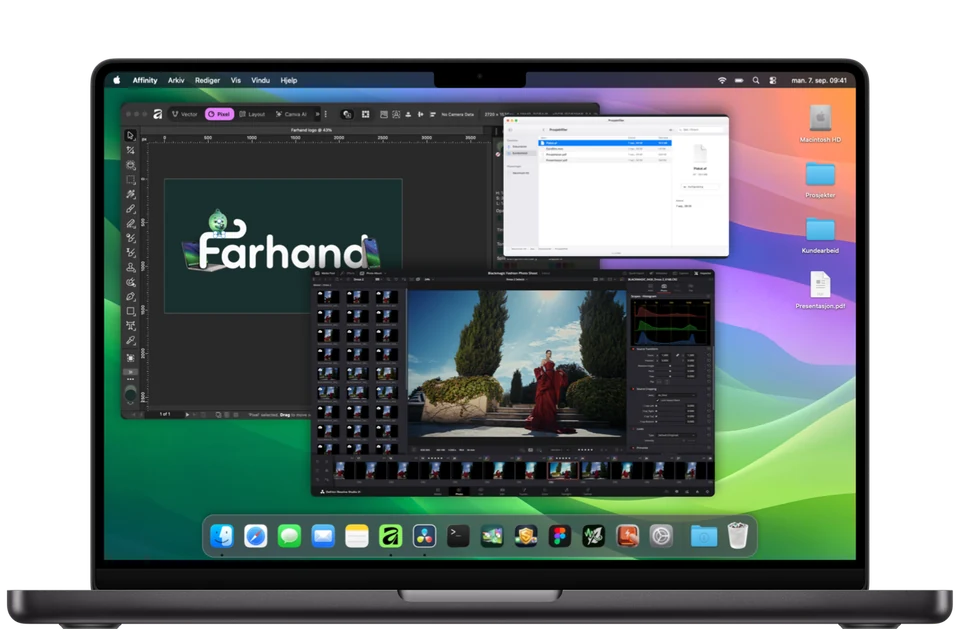
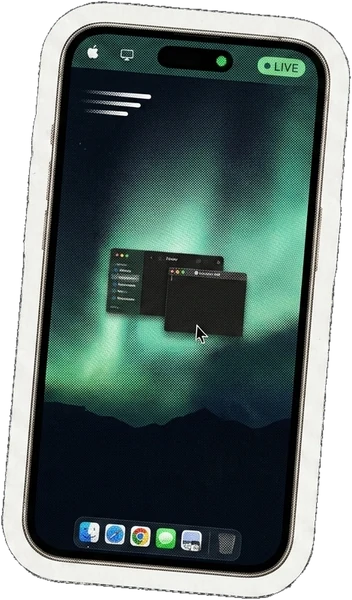
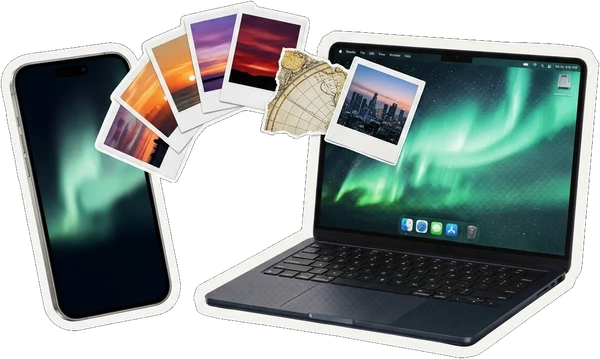
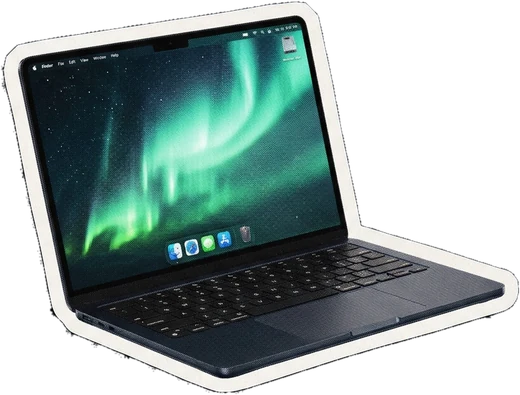
Your Mac screen, mouse and keyboard on iPhone or iPad. At home, use your local network. Away from home, connect your devices through your own private VPN.

VersionDirect beta
At homeLocal network
AwayYour private VPN
AccessClosed beta

7 days free. No automatic charges. No subscription.

End up loving Farhand? Then it's only $24.99, once.

Closed Direct beta in preparation · Apple silicon · macOS 14+ · iOS/iPadOS 17+

Encrypted screen and control between paired devices

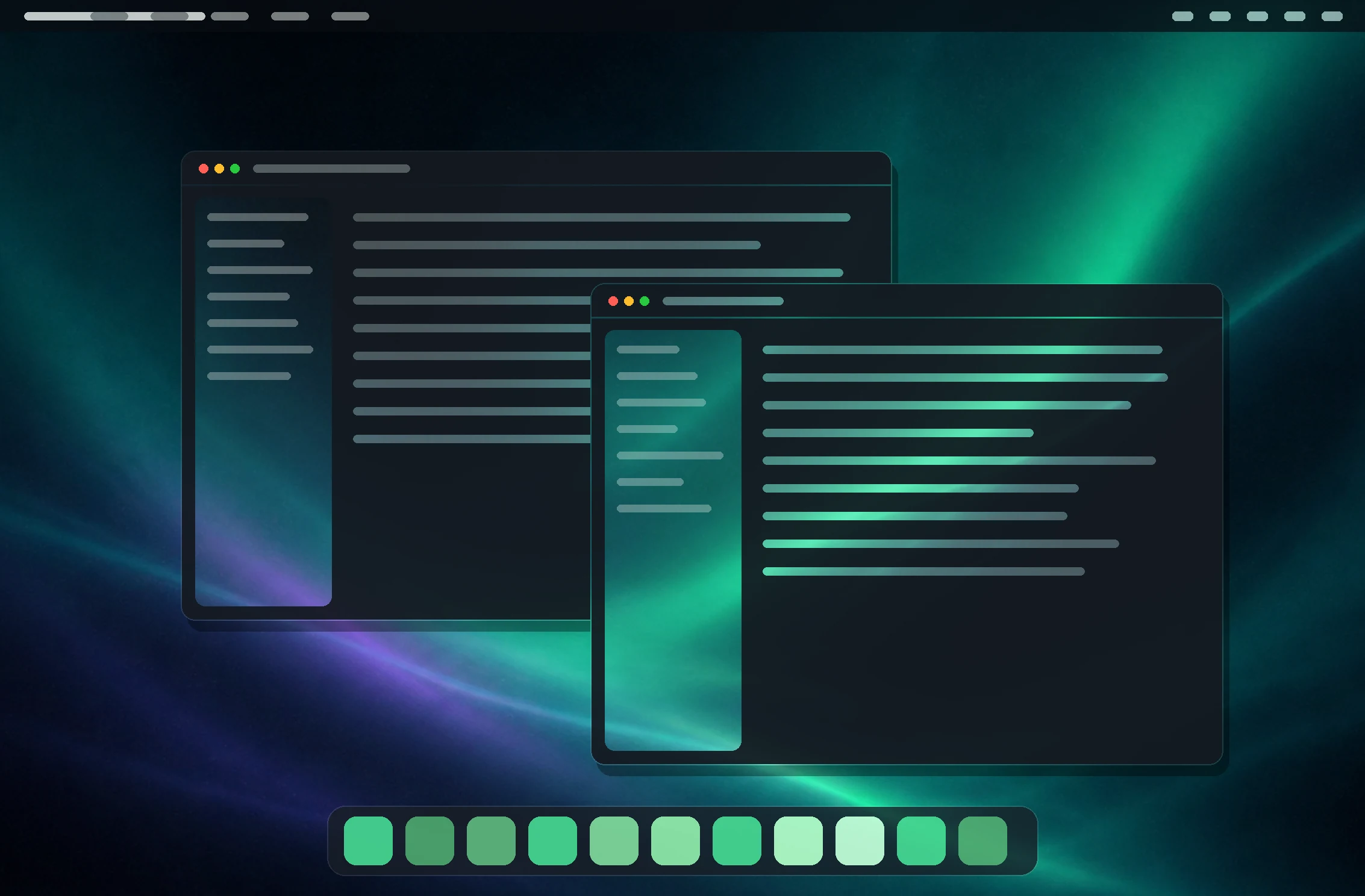
Your Mac apps. Your way.

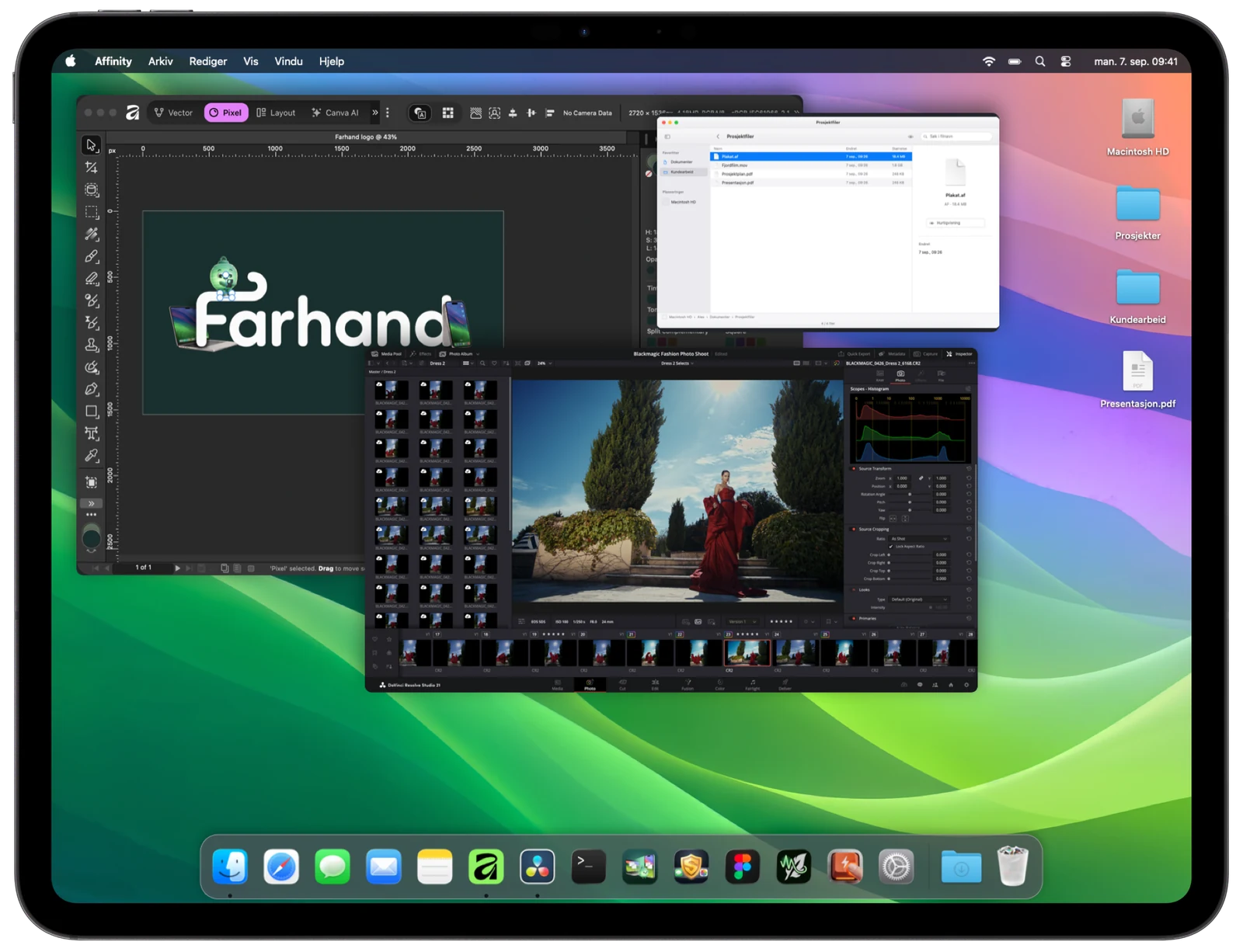
Open your project. Make a quick edit. Keep going. Choose how you control your Mac from iPhone or iPad.

Choose how to control your Mac

More screen. Fewer buttons.

Go fullscreen for a clearer view. The edges follow the screen’s colors. Tap the corner badge to bring your controls back.

Get the little details right.

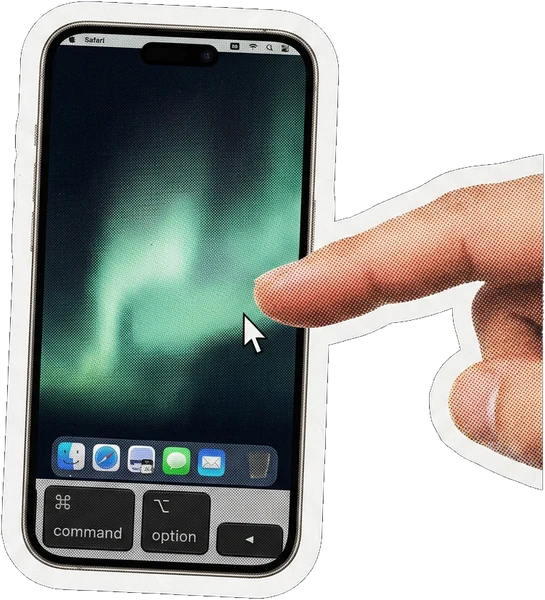
Slide your finger to move the pointer, then tap to click. Precisely select a small clip on the timeline.

Tap where you want to click.

Touch a file, hold, and drag it into your project. Straight from Finder into Affinity, with your finger.

Draw right in your Mac app.

Sketch an outline, lift your finger, then add details. Draw right in your Mac app, or use Apple Pencil on iPad.

Illustrated example · choose a mode to see the difference

Apple Pencil pressure and tilt are not transmitted yet.

Let your Mac sleep. Wake it when you need it.

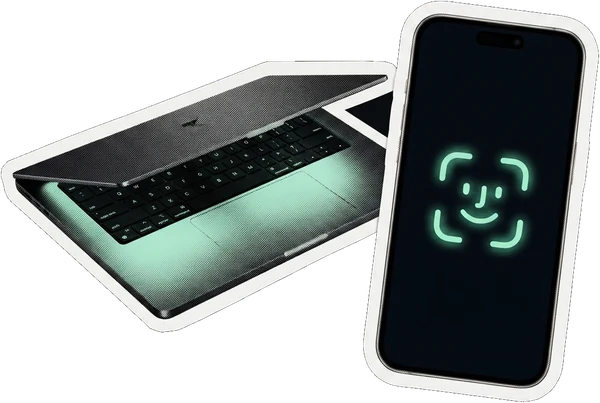
With remote wake set up, your Mac can sleep between sessions. Send a wake request from your iPhone or iPad, then pick up where you left off once your Mac is available.

No need to keep your Mac caffeinated around the clock.

Your Mac at homeYou, out and about
  1. 1Your Mac rests
  2. 2You ask it to wake
  3. 3Your desktop comes with you

Illustrated sequence. Remote wake requires a separate, supported setup, power and network access. It can take up to your selected wake interval (15 min by default). Connecting from elsewhere requires your own private VPN.

What it does

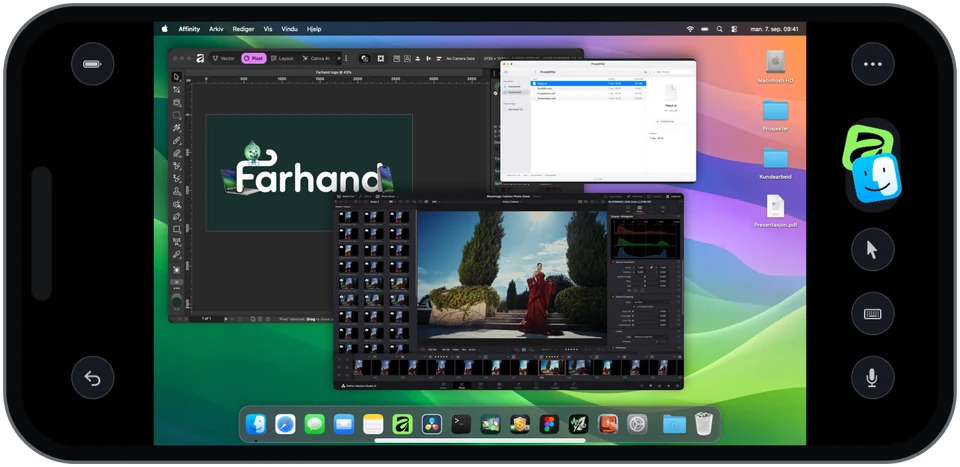
Turn it sideways

More Mac, the moment you rotate

A desktop is wider than it is tall, so a phone held sideways finally gives it the shape it wants. The pointer, the ⌘ keys and two-finger scrolling all come along. On an iPad it stops feeling like a workaround at all.

  • ⌘ shortcuts
  • Pointer
  • Two-finger scroll
  • Drag and drop
A Mac window, reshaped to fit your handLandscape

One window at a time

A Mac window, reshaped to fit your hand

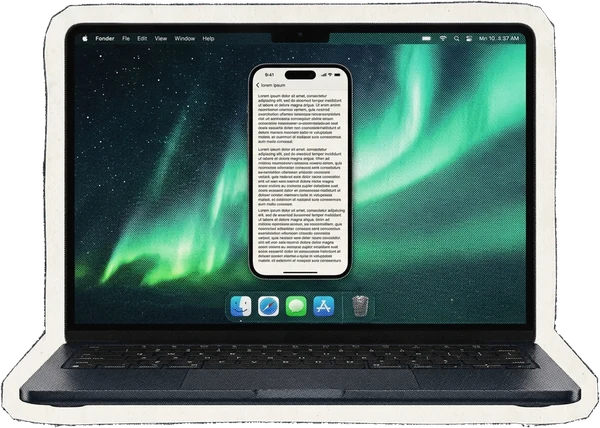
Pinching a whole desktop down to phone size makes text unreadable. Tap ✦ and Farhand gives the frontmost window phone proportions on the Mac itself, so the app reflows its own text the way it was built to.

  • The Mac does the reflowing, not a zoom lens
  • Snaps back to the exact original shape afterwards
  • Point it at whichever app you actually use
A Mac with one window reshaped into a tall phone-shaped column

How it works

Getting started with the beta

Install Farhand on your Mac and iPhone or iPad. Pair on the same local network first. For access from elsewhere, also set up a private network between your devices.

  1. 1

    Get the Mac app

    Invited testers receive a link to the signed Mac beta and an installation guide.

  2. 2

    Grant two permissions

    Screen Recording and Accessibility, each behind a single button.

  3. 3

    Get Farhand on your iPhone or iPad

    The mobile beta will be distributed through TestFlight after Apple review. Joining the waitlist does not grant immediate access.

  4. 4

    Scan the code

    Open pairing on your own Mac, scan the QR code in the app and approve the correct device on the Mac. Do not share the code or photos of it.

How will you reach your Mac?

At home or on the go? Explore how each connection works.

Choose a connection to read about

Same Wi-Fi

When your phone and Mac are on the same local network, no VPN is needed. Your Mac can also connect to the router by cable.

Start here for first-time pairing. Guest networks may prevent devices from reaching each other.

Tailscale

Creates a private network between your devices. Install it separately on Mac and iPhone or iPad, and join your own Tailscale network.

We have tried screen streaming, control and reconnection over mobile data with this setup.

WireGuard

A VPN back to the network where your Mac is. It can run on a compatible router or another machine that provides access to your home network.

Requires more network setup. If the VPN ends at your router, your Mac usually needs no separate VPN app. Routes and access rules must let the phone reach the Mac.

ZeroTier

A virtual private network your devices can join. You set up the network and authorize your Mac and phone to join it.

Apps are available for Mac and iPhone/iPad. Devices must be allowed to reach each other; the Farhand workflow has not been tested with ZeroTier yet.

NetBird

A private network between your devices with central access management. Its clients are installed separately.

Clients are available for Mac and iPhone/iPad. Access policies must allow the connection to the Mac; the Farhand workflow has not been tested with NetBird yet.

Other VPN

Already have a VPN to your home or the network where your Mac is? It may be an option if your phone can reach the Mac’s private address through it.

A VPN that only changes your browsing location is not enough. Name resolution, routes and access rules must be correct. Compatibility needs testing with your setup.

This is a guide, not a connection setting. Set up your VPN separately. Providers have their own terms and possible costs; Farhand is not affiliated with them.

One version for now: Farhand Direct

Beta

Farhand Direct

Local network at home. Your own private VPN away.

  • View and control your own Mac from iPhone or iPad
  • No VPN needed on the same local network
  • Away from home: use a private VPN that lets you reach your Mac
  • Screen and control traffic do not pass through Farhand’s relay

Good to know before you choose

  • A browsing VPN is not enough; it must let your phone reach your Mac. Explore the connection options above.
  • Your Mac must be reachable. Another VPN or a guest network may prevent a connection.
  • Approve only your own, known devices. Do not expose the Farhand port to the internet.

US$24.99 once7 days free · No subscription
Direct is the version we are preparing now. Farhand cloud connectivity is not offered in this beta. VPN providers may use their own relays and process network metadata.

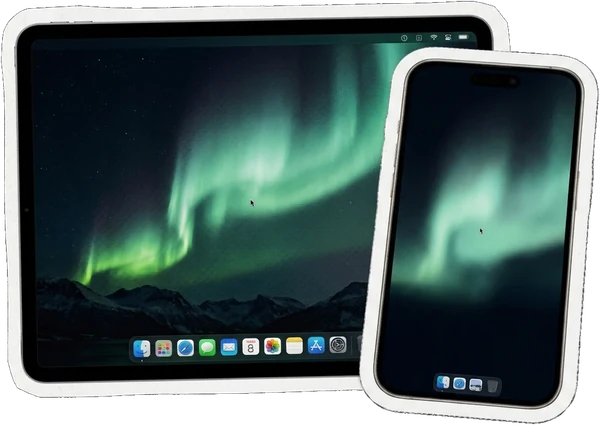
An iPad and an iPhone showing the same Mac desktop

iPhone and iPad

Every screen you already own

One app, laid out for each device. On an iPad the button dock folds away and the desktop gets room to breathe; on a phone it stays within thumb reach.

Privacy

A machine you can see into is a machine someone else could

Remote control gives access to your Mac. Local approval, encryption and the ability to stop access are important parts of the setup.

What you seeWhat the room sees
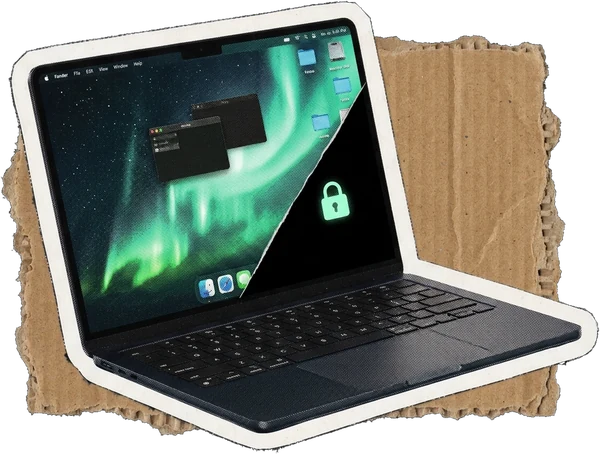
A Mac whose screen is half desktop, half black with a padlock

Privacy mode

Black out the Mac and, if you want, lock its keyboard, while you keep working from the phone. The sound is muted too — a screen that looks off should not play your meeting to the room. When someone interrupts it at the machine, the Mac locks in the same instant, so the desktop never flashes up.

Your MacLAN / VPN8f2a·c41d·90bbYour phone
Encrypted between your paired devices over your local network or private VPN. No Farhand relay is involved.

Protecting access to your Mac

  • Approve on the MacPair only your own, known devices. Never share the QR code, including with someone offering help.
  • No Farhand accountPairing itself does not require a Farhand account. Your private VPN may require its own account.
  • Encrypted connectionScreen and control are encrypted between paired devices, including on your local network.
  • Stop access yourselfUse “Stop all remote access” on the Mac if something seems wrong. No app can guarantee that scams or misuse are impossible.

The way out belongs to whoever is sitting there

No password. No app. No network. No remote command can take this away, and it can only ever end privacy mode — never start it.

controloptioncommandLor Escape, five times

Questions people ask

Lumi looking annoyed

Can I try it now?

We are preparing a small, closed Direct beta. External TestFlight access is awaiting Apple export-compliance clarification and beta review. Join the waitlist to hear when the app is available to try.

Does it work away from home?

Yes, when your phone can reach your Mac through a private network you set up. This may be a VPN between devices or a VPN to the network where your Mac is. This version has no Farhand cloud fallback.

Which connections can I use?

No VPN is needed on the same local network. Away from home you need a private VPN that reaches your Mac. Tailscale has been tried with Farhand. WireGuard, ZeroTier, NetBird and other private VPNs are possible setups, but have not been tested with Farhand yet. Routes, private addresses and access rules must suit the app.

What will Farhand Direct cost?

Try Direct free for 7 days. If you want to keep using it, pay US$24.99 once. No subscription. TestFlight uses test purchases, not regular purchases. VPN and optional voice services may have separate costs.

Does my screen pass through your servers?

Direct does not send screen or control traffic through Farhand’s relay. The connection is encrypted between paired devices. Your VPN provider may use its own relays and process network metadata. See the privacy policy for updates, notifications and optional voice services.

What do I need?

A Mac with Apple silicon and macOS 14 or later, plus iPhone or iPad with iOS/iPadOS 17 or later. The Mac must be reachable and have the required permissions.

Do updates require pairing again?

Normal updates should preserve pairing. Update without deleting app data or Keychain entries. Contact us if an existing pairing stops working.

Can I wake and unlock my Mac?

This requires a supported setup, permissions and a reachable Mac. A VPN alone does not guarantee waking from sleep. Unlocking requires separate setup and approval.

Lumi holding up a blank sign

Be here from the start

We are preparing Farhand Direct for a small, closed beta. Leave your email to hear when the app is ready to try. Signing up does not grant immediate TestFlight access.

We store your email, language and signup date with Cloudflare, only to follow up on your interest in Farhand. The list is private and is not linked to your devices.